
 Free delivery on orders over 100 €



Shelly: Smart Home Behind the Switch
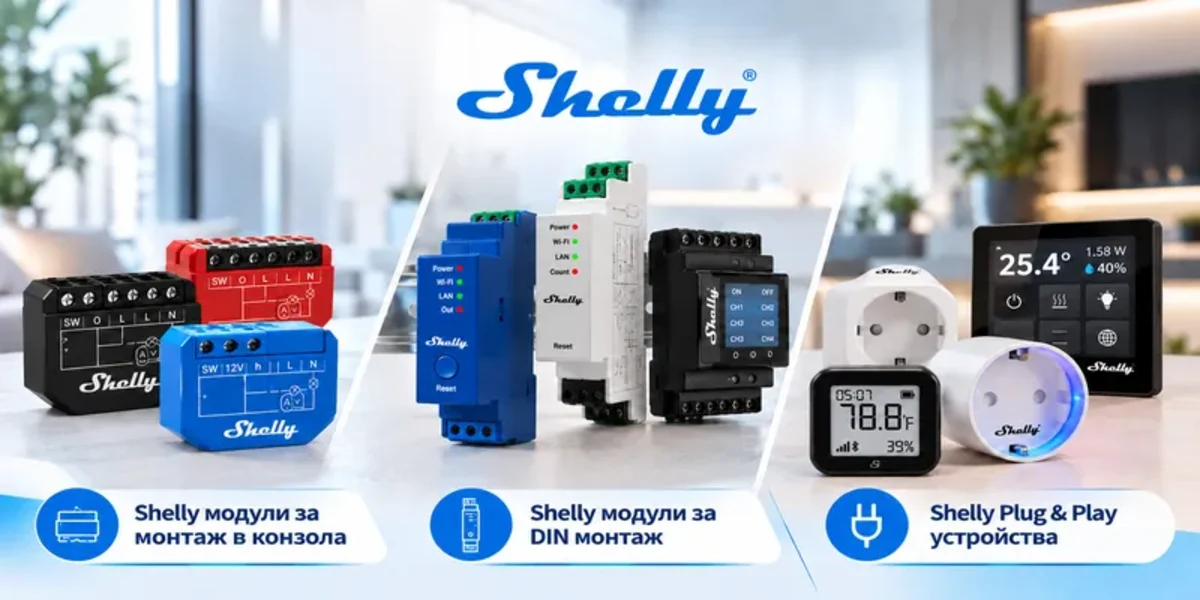
Shelly turns an ordinary home into a smart one without replacing your switches. A small module fits behind the switch or in the distribution board, and your lights, blinds and appliances can then be controlled from your phone as well. Here is what Shelly is, which model does what and how they are installed.
What is Shelly
Shelly is a brand of the Bulgarian company Shelly Group (formerly Allterco). The devices work over Wi-Fi and Bluetooth, and the newer generations also support Zigbee and Matter. Their big advantage: they work locally, with no mandatory cloud and no separate hub - the Shelly app finds them on your home network.
- No need to replace switches: the module sits behind the switch, and the switch keeps working.
- Energy metering: the PM models show how much power each appliance uses.
- Scenes and schedules: lights come on at sunset and blinds lower by themselves.
- Compatibility: Google Home, Alexa, Home Assistant and other systems.
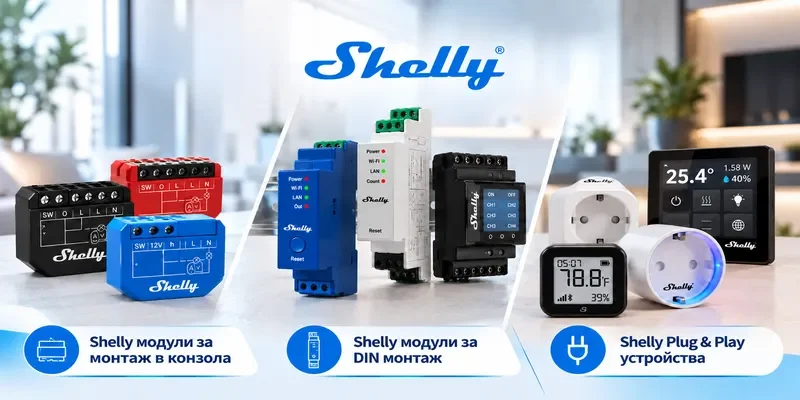
Three groups of devices
| Group | Where it goes | Examples |
|---|---|---|
| In-wall modules | Behind the switch, in the back box | 1PM Gen3 (relay with metering), dimmers, 2PM for blinds |
| DIN modules | In the distribution board | Pro 1PM, Pro 2PM, Pro 3EM (three-phase metering) |
| Plug and Play | No installation - in the socket or on the wall | Plug PM, temperature and humidity sensors, buttons |
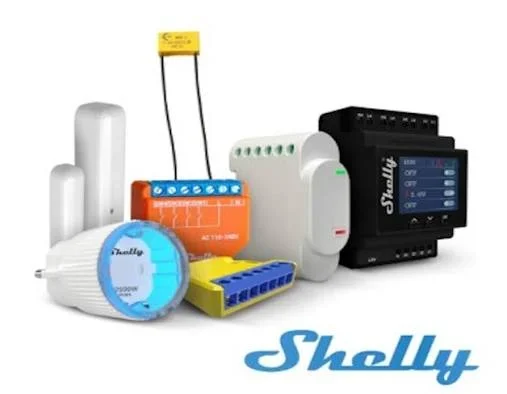
Shelly is a complete system: in-wall modules, DIN modules for the distribution board, smart plugs and sensors. They are all added to one app and work together in scenes - for example, the door sensor switches on the hallway light.
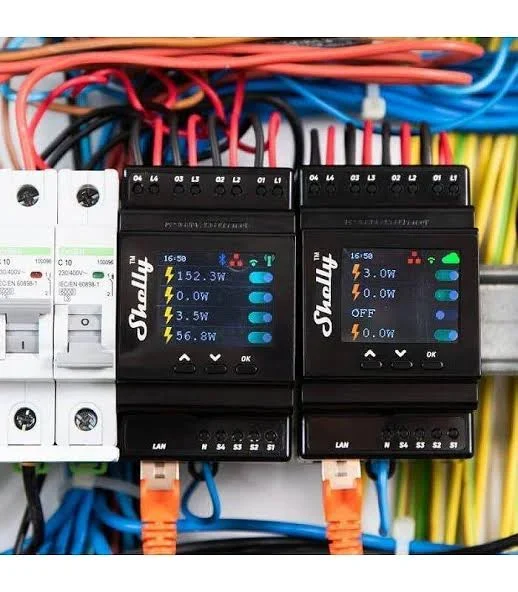
The Pro series is made for the distribution board. The modules mount on a DIN rail next to the circuit breakers, have a display that shows the power on each channel, and besides Wi-Fi they also connect with a LAN cable - more reliable inside a metal enclosure.
How to install a module behind the switch
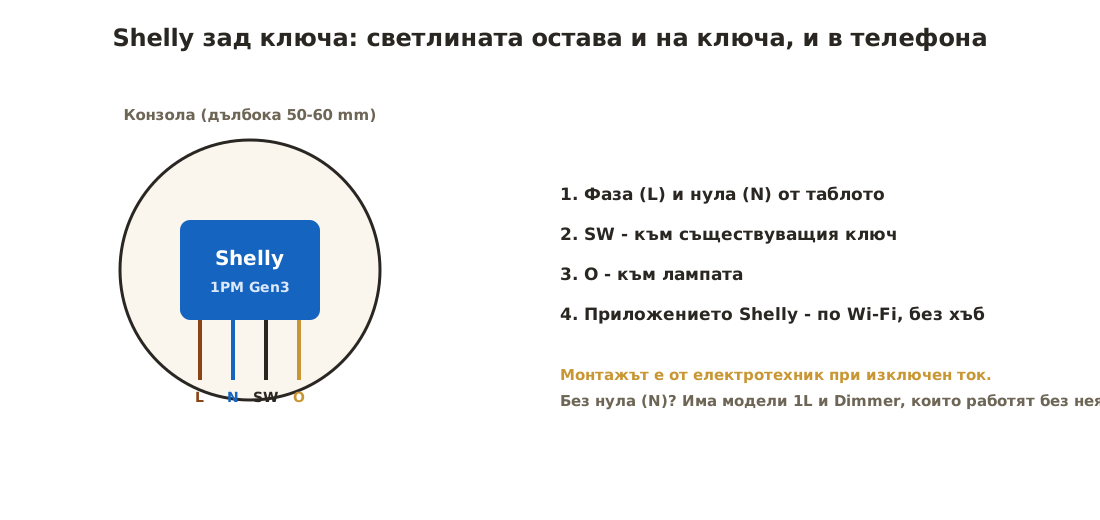
The module is connected to the live (L) and neutral (N), to the existing switch (SW) and to the lamp (O). Installation is done by an electrician with the power off. The app then finds the module and connects it to Wi-Fi.
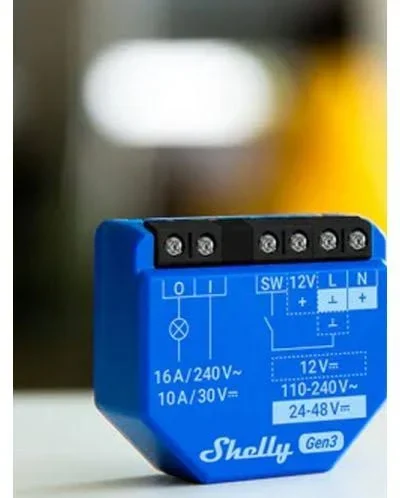
Shelly 1 Gen3 is about the size of a matchbox and hides in the back box behind the switch. The relay handles up to 16 A and is powered from 110-240 V AC, as well as from 12 V or 24-48 V DC - so it also works with low-voltage lighting.
- Neutral in the back box. Most models need a neutral (N). If there is none in the back box, there are 1L models and dimmers that work without it.
- Deep back box. The module and the switch must both fit - a 50-60 mm back box is the most convenient.
- Load. Check the maximum load of the model (for example 16 A for the 1PM Gen3).
When renovating, fit deep back boxes and run a neutral everywhere you might ever want smart control. It costs minutes now and saves chasing out walls later.
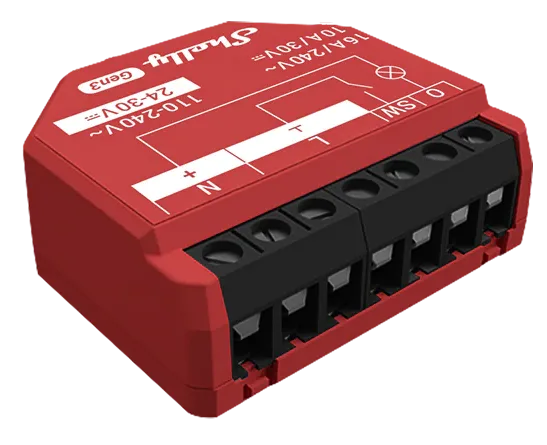 Smart relay micromodule 1x 16A with metering, requires neutral, Shelly 1PM Gen315,12 €On requestView product
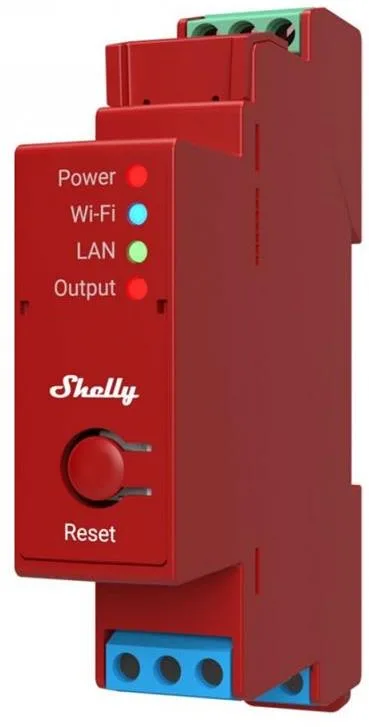 Smart relay 1x 16A with power metering, DIN rail, Shelly PRO 1PM75,79 €On requestView product
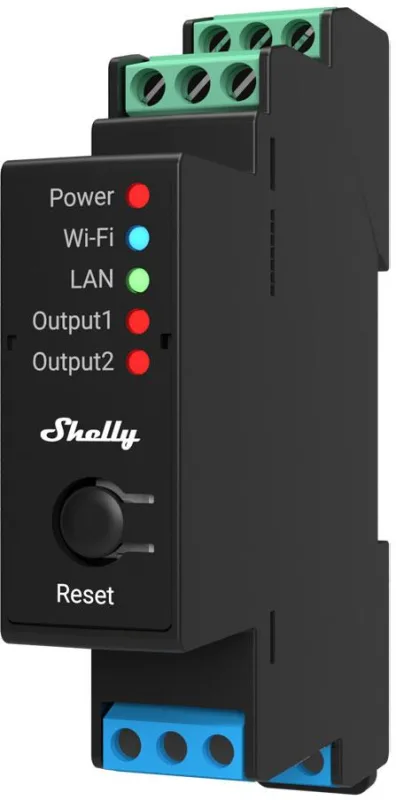 Smart relay 2x 16A with power metering, DIN rail, Shelly PRO 2PM100,13 €On requestView product
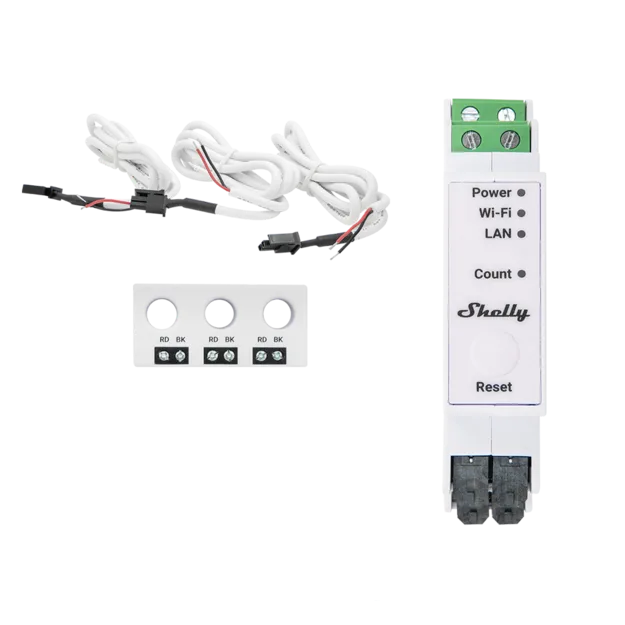 Three-phase smart energy meter 3x 63A, DIN rail, Shelly PRO 3EM-3CT63130,80 €On requestView product
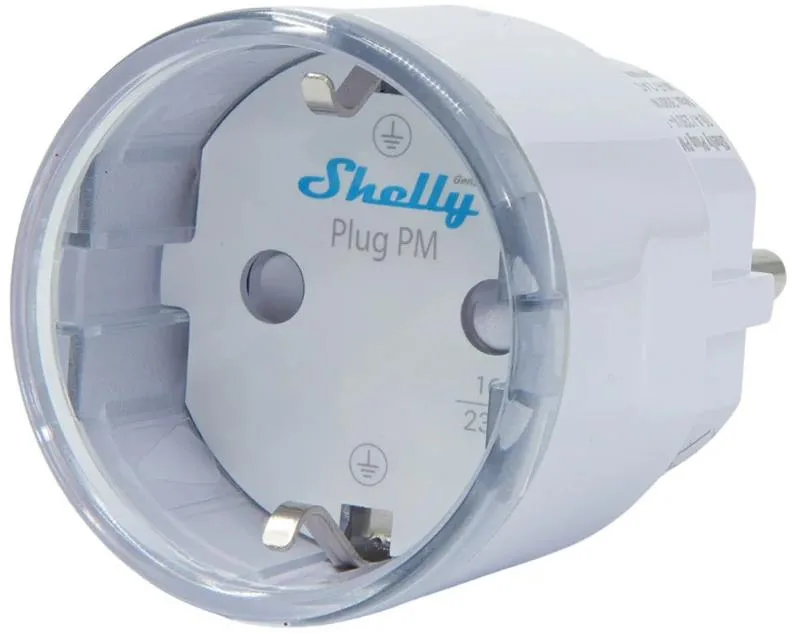 Smart plug 1x Schuko 16A with power metering, Shelly Plug PM Gen323,51 €On requestView product
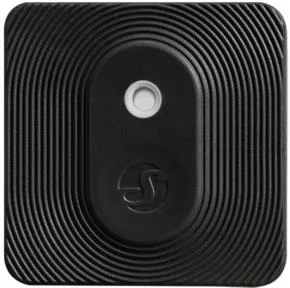 Temperature & humidity sensor IP54, black, Shelly Blu H&T ZB18,90 €On requestView product
Shelly and standard switches
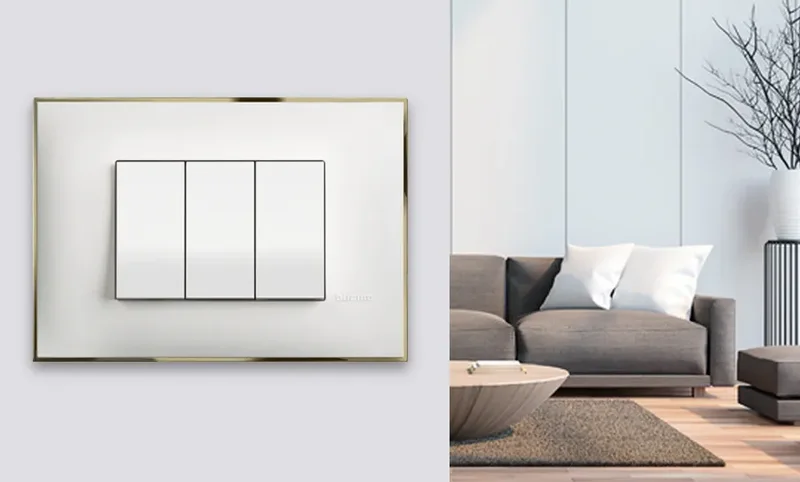
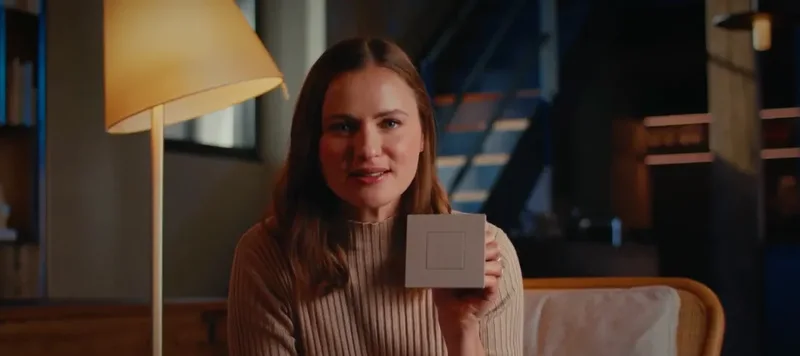
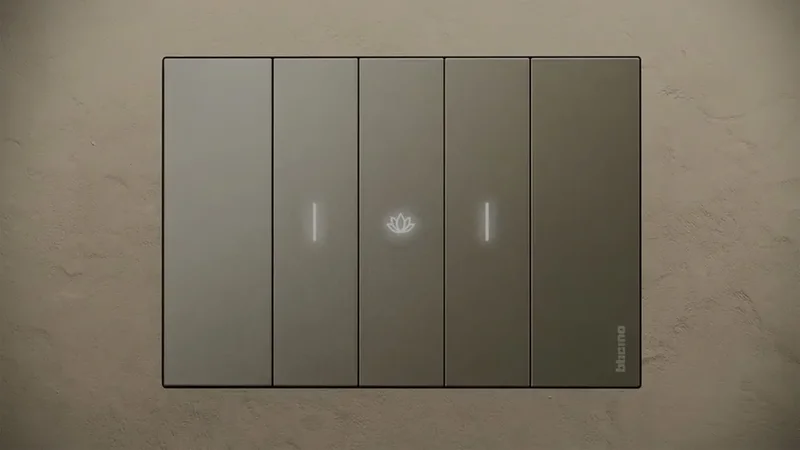
Shelly works with the standard switches you already have - the module hides in the back box and you keep using the switch. For a non-latching switch (push button), the module is set to momentary mode. If you are choosing new switches from a series with its own built-in smart version (for example bticino with Netatmo), we recommend the series' own system.
Smart home examples
- Living room lights - 1PM Gen3 behind the switch, an "Evening" scene from the phone.
- Blinds - 2PM behind the blind switch, lowering automatically at sunset.
- Energy - Pro 3EM in the distribution board shows the consumption of the whole home.
- Climate - a temperature and humidity sensor controls the heating.
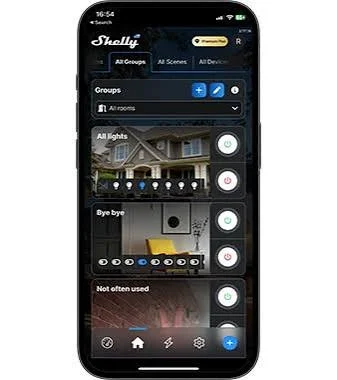
In the Shelly app, devices are grouped by room and scene - for example "All lights" or "Leaving home", which switches everything off with one tap. The app is free for iPhone and Android.
Free consultation
Tell us what you want to control and we will choose the modules, check whether there is a neutral in the back boxes and draw up a wiring diagram for your electrician. Call us on +359 877 259 295 or write to info@ava-lighting.com.
Read more: ACA 48V magnetic track: how to choose and install it and Concept and Full Interior and Exterior Projects.
Browse the shop
Frequently asked questions
Do I need a hub for Shelly?
No. The devices work over Wi-Fi with the Shelly app; a hub is only needed for some Bluetooth sensors if you want to control them remotely.
Does the switch still work if the internet goes down?
Yes. The switch keeps turning the light on and off, and Shelly also works on the local network.
Can I install the module myself?
In-wall and DIN modules are installed by an electrician. Plug and Play devices - plugs, sensors, buttons - need no installation.
What does PM in the name mean?
Power Metering - the module measures the consumption of the connected appliance.

 Varna,
 Mon – Sat 10:00 – 19:00